
Missing Funds and Fixes
Binance Withdrawal Suspended for 24, 48 or 72 Hours? Match the Message to the Cause
Your rand is converted, the USDT is in your account, and the send-out is refused. Binance publishes the hold periods on three separate pages: 24 to 48 hours after a security change, 24, 48 or 72 after a whitelist edit, up to 48 after a 2FA reset. None of them can be shortened.
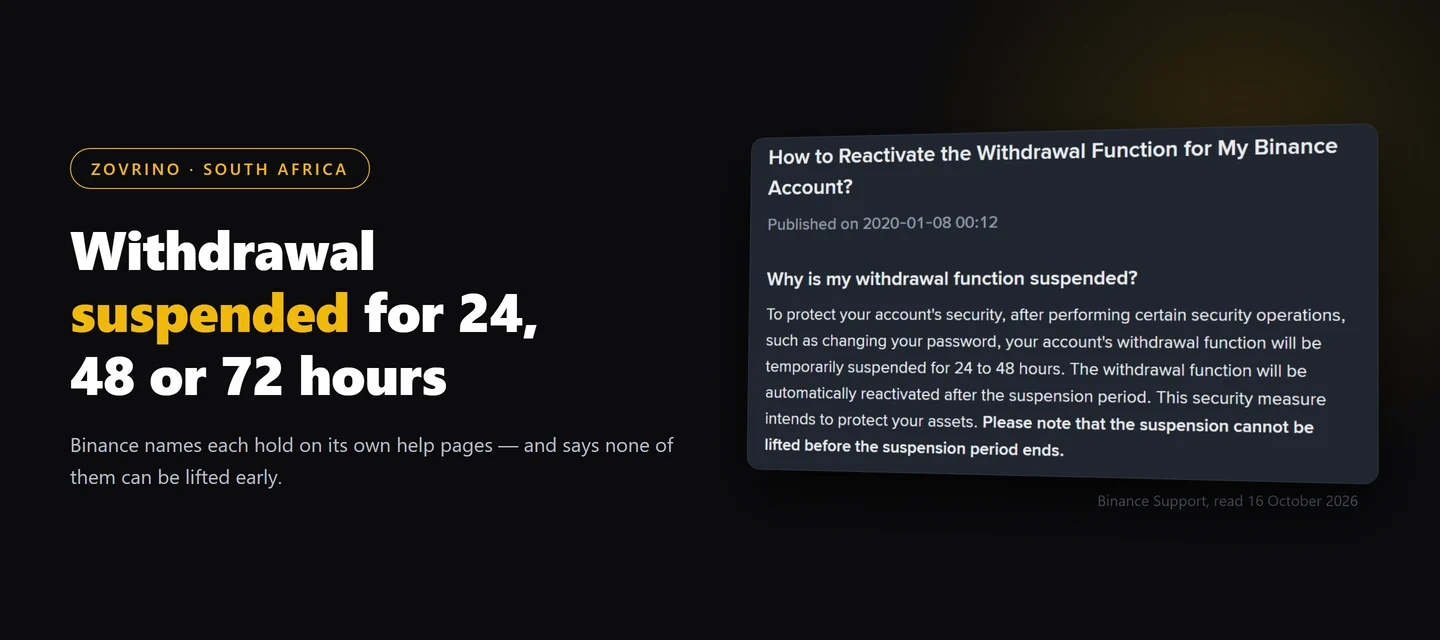
You bought USDT with rand, the balance is sitting in your account, and the withdrawal is refused. That is a different problem from a deposit that never arrived: the coins are yours, Binance is simply not letting them leave yet.
There is no single page that maps every cause to a duration. Binance publishes the periods across three separate help pages, and the message on your own screen tells you which one you are in. Here is how to read it.
First, make sure the balance is really the thing that is stuck
Two situations get mistaken for a withdrawal hold:
- The USDT is sitting in a different account inside Binance. A P2P purchase does not always land where you expect, and the withdrawal screen only spends from one of them. Where a rand P2P purchase actually lands has the one-minute check.
- The coins never arrived at all. If you sent from Luno or VALR and nothing shows anywhere, that is an inbound problem. Work through the four checks before you open a recovery request instead.
If the balance is visible and it is the withdrawal itself being blocked, carry on below.
The most common cause on a young account: you changed a security setting
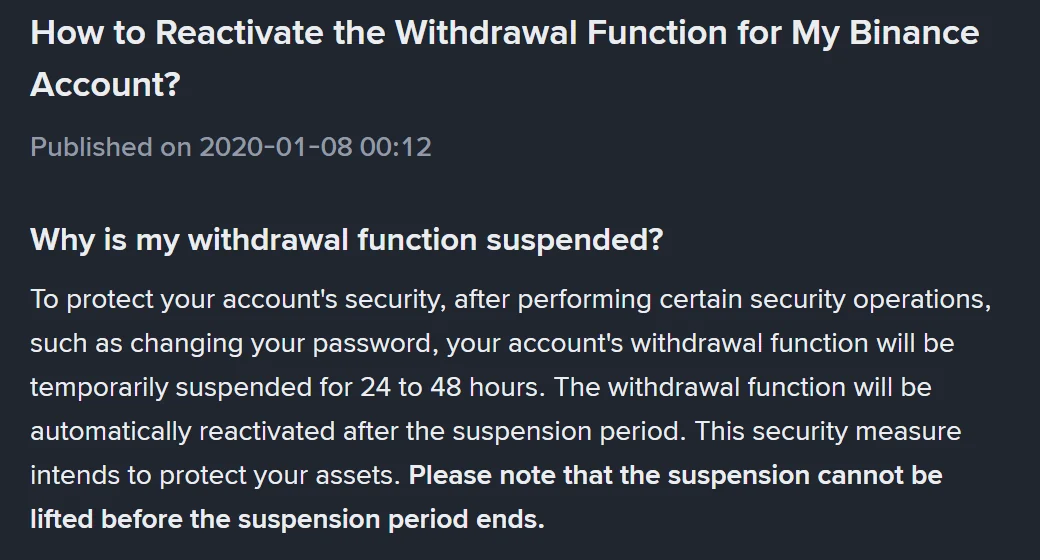
Binance's page How to Reactivate the Withdrawal Function for My Binance Account? states it directly: after certain security operations, such as changing your password, the withdrawal function is "temporarily suspended for 24 to 48 hours", it "will be automatically reactivated after the suspension period", and "the suspension cannot be lifted before the suspension period ends".
Worth knowing that this page is old. The version read on 16 October 2026 is stamped "Published on 2020-01-08" and shows no update date at all, so treat the range as the published rule rather than a freshly reviewed one — and let the message in your own account be the final word.
That same page illustrates what you see in the app:
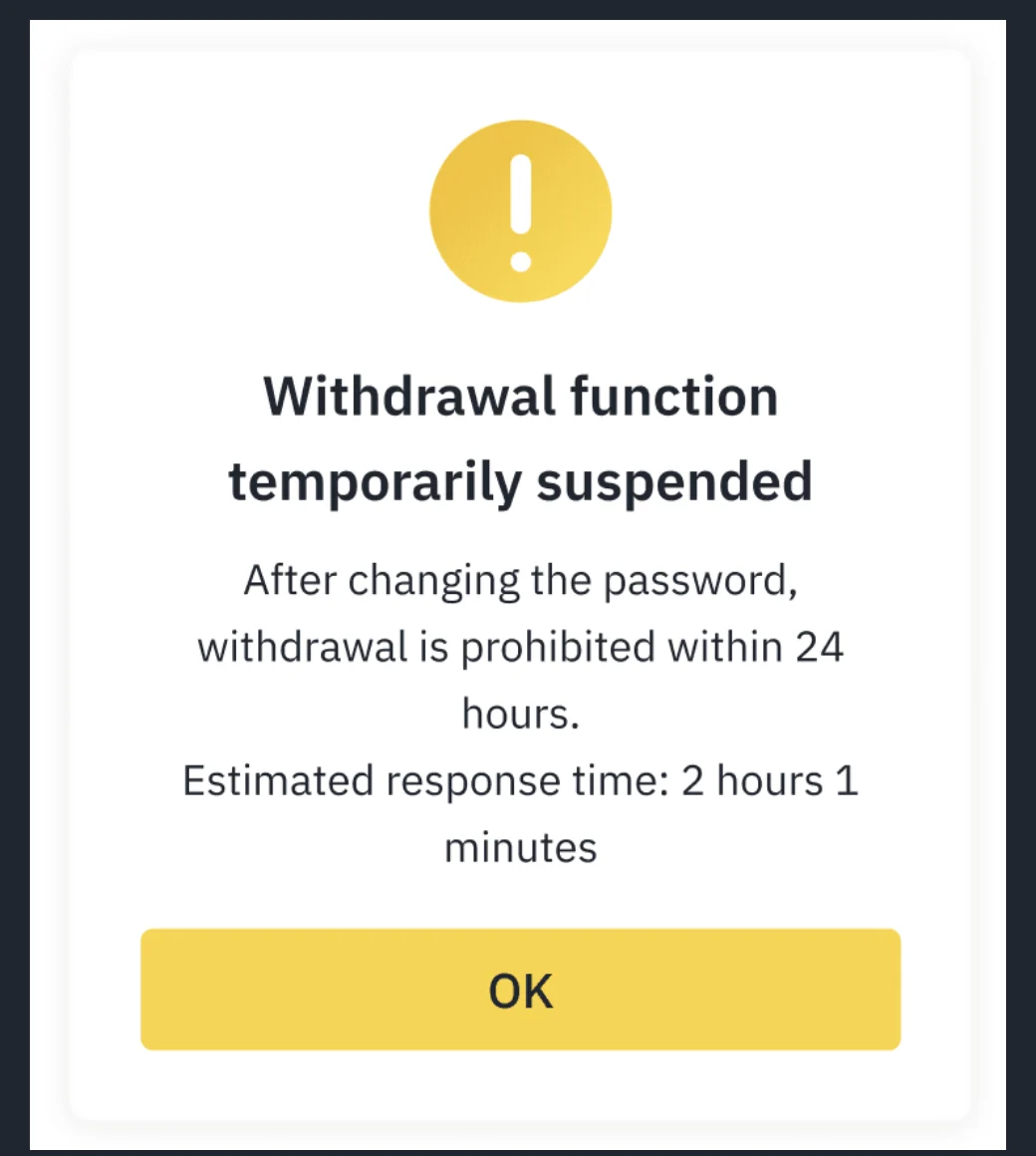
Two details in that notice are useful. It names the action that caused the hold — in the example, "After changing the password" — and it shows an estimate of the time remaining rather than leaving you to guess when the clock started. If your screen shows something similar, your own estimate beats any number in this article.
This is exactly why first deposits run into it. The usual order is register, deposit, then tidy up the security settings. Reverse it.
The hold you switched on yourself: the withdrawal whitelist
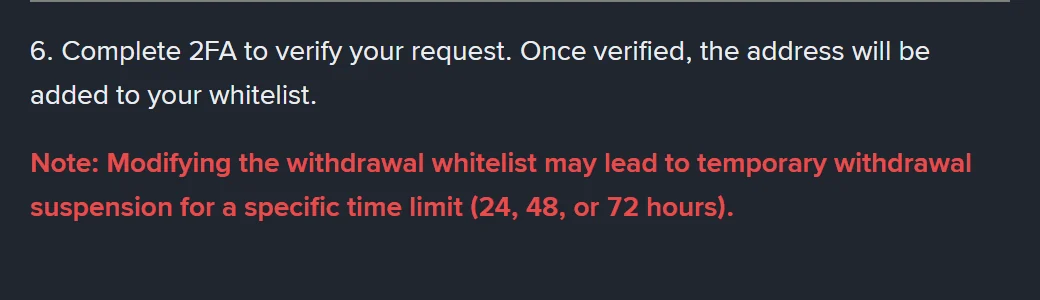
How to Manage Withdrawal Settings for My Binance Account? carries a note in red: "Modifying the withdrawal whitelist may lead to temporary withdrawal suspension for a specific time limit (24, 48, or 72 hours)."
Those three numbers are not arbitrary. The same page describes a setting called the whitelist withdrawal limit, which "suspends withdrawals to newly added whitelist addresses for a selected time period" — you choose the period when you switch it on. So if you added your Luno or VALR address this morning and the send is refused, go and look at what you selected there; that is the clock you are waiting on. The page adds that switching the whitelist off while that limit was enabled triggers the same 24, 48 or 72-hour suspension.
That page is stamped "Last updated: 3 March 2025" on the version read on 16 October 2026.
Resetting 2FA costs you up to 48 hours, and more than withdrawals
Losing your authenticator is the expensive one. Binance's 2FA reset page, updated in March 2026, says that "withdrawals, P2P selling, internal transfers and payment services will be disabled for up to 48 hours after resetting your 2FA devices". It also notes that the reset request itself can sit under review for up to 24 hours before that 48-hour period even begins.
If you sell USDT for rand through P2P, read that list again: the reset takes your selling ability offline too, not only the send-out.
When the message is about risk rather than something you changed
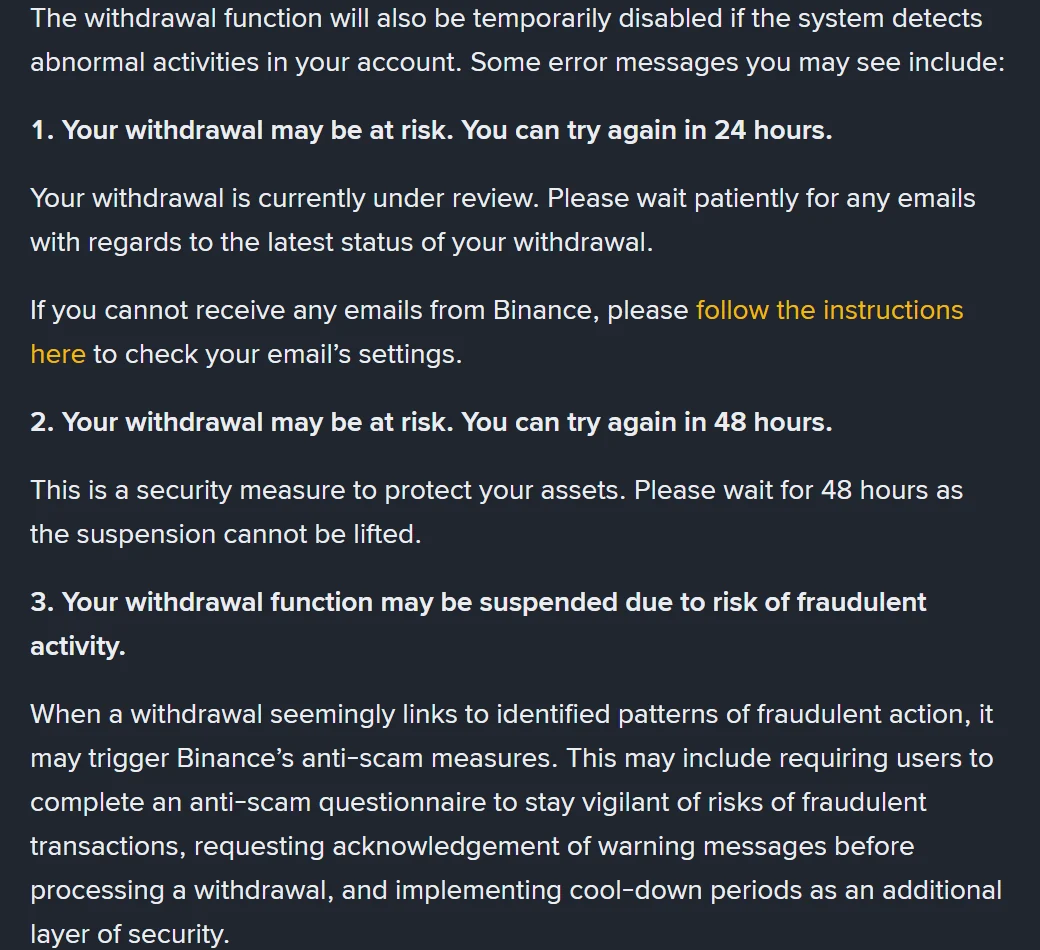
The reactivation page lists three messages that come from the risk system:
- "Your withdrawal may be at risk. You can try again in 24 hours." The withdrawal is under review, and Binance says to wait for email about the status.
- "Your withdrawal may be at risk. You can try again in 48 hours." A fixed 48 hours, and the page repeats that the suspension cannot be lifted.
- "Your withdrawal function may be suspended due to risk of fraudulent activity." This is the anti-scam path. Binance describes it as possibly involving an anti-scam questionnaire, a warning you have to acknowledge before the withdrawal is processed, or a cool-down period added as an extra layer.
The third one deserves to be read rather than clicked past. If somebody on WhatsApp or Telegram is talking you through this particular withdrawal, that questionnaire was written for your situation.
There is a blanket version too. The "T+1" and "T+2" page says that when the risk control system detects abnormal activity on an account, all withdrawal-related functions are disabled for 48 hours — in every market and every currency.
Is it the P2P "T+1" hold?
For a rand purchase, usually not. The published list covers TWD, EUR, CNY, UAH and KZT, plus verified users in Egypt, Bahrain and Bangladesh; rand is not on it. Which currencies the T+1 hold actually covers goes through that list, and through the account question that explains most rand cases instead.
If the block points at verification
A withdrawal can also be disabled because identity verification is incomplete or was rejected, which is not a timed hold at all — the fix is to finish verification and wait for the review, after which the reactivation page says withdrawals resume. If that is where you are, the step-by-step fix for a rejected Binance verification and which documents count as proof of address in South Africa cover the two stages people get stuck on.
What does not make any of this shorter
- Pressing withdraw again. It does not restart anything or move you up a queue.
- Asking support to release it early. Three separate pages say the suspension cannot be lifted before the period ends.
- Paying anyone who claims they can unlock the account. Handing over your login or your codes costs far more than waiting out 48 hours.
- Switching the network. The hold sits on the withdrawal function, not on the chain. Which network to use is a separate question, and the USDT network cost comparison between Luno, VALR and Binance answers it for when the hold lifts.
Planning your first deposit around it
- Set 2FA, the whitelist and the whitelist withdrawal limit before you buy, not after. Every one of those actions starts a clock, and starting it while you hold no balance costs you nothing.
- Send one small test amount out early, while nothing depends on it arriving.
- Assume up to 48 hours between "I have USDT" and "I can move it" the first time round. If you are still sizing that first test, the minimum worth depositing in rand sets out the floors.
Sources
- Binance Support, How to Reactivate the Withdrawal Function for My Binance Account?, page stamped "Published on 2020-01-08" with no update date, read 16 October 2026 — the 24-to-48-hour suspension after security operations, the in-app notice, the three risk messages and the verification route.
- Binance Support, How to Manage Withdrawal Settings for My Binance Account?, stamped "Last updated: 3 March 2025", read 16 October 2026 — the whitelist modification note and the whitelist withdrawal limit.
- Binance Support, How to Reset 2FA When I Can't Access My Binance Account?, updated March 2026, read 16 October 2026 — the up-to-48-hour disabling after a 2FA reset and the up-to-24-hour review.
- Binance Support, What Are the "T+1" and "T+2" Withdrawal Limits?, updated 26 May 2026, read 16 October 2026 — the T+2 48-hour rule and the currency list.
Binance edits these pages without notice, and two of them are several years old, so everything above is a reading taken on one day. The countdown and the email in your own account outrank this article. This is general information about withdrawal holds, not financial advice.
If you have not registered yet
Read the Binance referral-code guide first. It explains how to confirm the official domain, the code CG17CR7R and the advertised benefit of up to 20% in trading-fee rebates. Eligibility, products and the final rate depend on the registration page and account terms; Zovrino may receive a commission from an eligible referral. Using a referral link changes none of the holds described above.
The code we use is CG17CR7R (link). Typing binance.com yourself gives you the same account.